> ## Documentation Index
> Fetch the complete documentation index at: https://docs.sharethat.co/llms.txt
> Use this file to discover all available pages before exploring further.
# Analytics
> Understand how stats are calculated.
## Calculation Overview
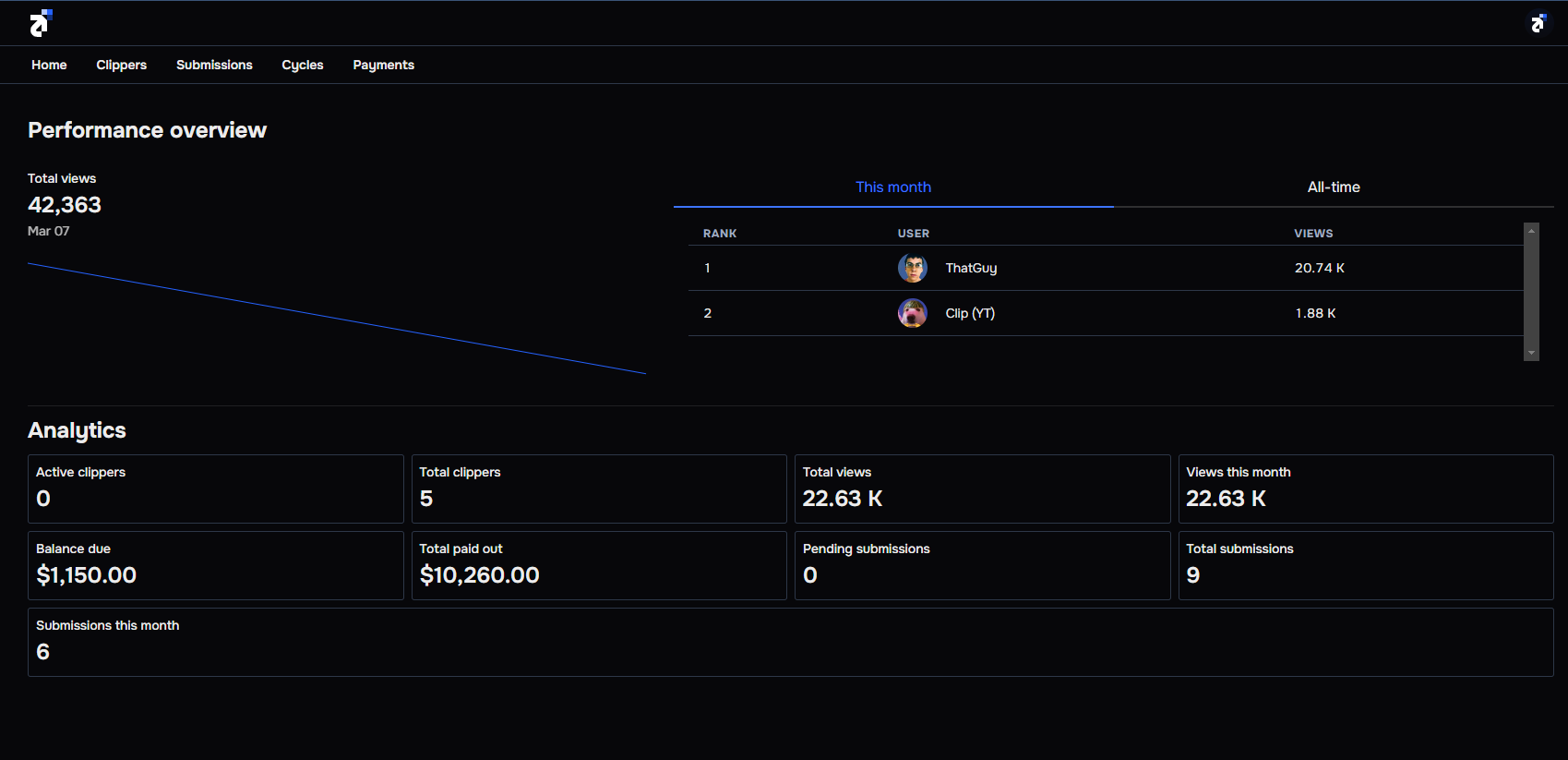 The view chart displays the number of views generated everyday over the last seven days.
The number of clippers who have submitted to a currently active cycle.
The total number of people who have joined your group.
The all-time number of views that have been generated from submissions.
The number of views that have been generated from submissions in the current month. This resets on the 1st of every month.
The money you owe for submissions from currently active cycles. Your connected payment method will be automatically charged when these cycles end.
The all-time total money that you have already paid for submissions.
The number of submissions that have been recently submitted and are pending.
The all-time total number of clips that have been submitted.
The total number of clips that have been submitted in the current month. This resets on the 1st of every month.
The view chart displays the number of views generated everyday over the last seven days.
The number of clippers who have submitted to a currently active cycle.
The total number of people who have joined your group.
The all-time number of views that have been generated from submissions.
The number of views that have been generated from submissions in the current month. This resets on the 1st of every month.
The money you owe for submissions from currently active cycles. Your connected payment method will be automatically charged when these cycles end.
The all-time total money that you have already paid for submissions.
The number of submissions that have been recently submitted and are pending.
The all-time total number of clips that have been submitted.
The total number of clips that have been submitted in the current month. This resets on the 1st of every month.