> ## Documentation Index
> Fetch the complete documentation index at: https://docs.sharethat.co/llms.txt
> Use this file to discover all available pages before exploring further.
# Approvals
> Easily review submissions and only pay for ones that meet your criteria.
The ShareThat approval system ensures you only pay for submissions that meet your criteria. Seamlessly approve or reject submissions for a payout.
## How to Review Submissions
Go to [https://app.sharethat.co/creators/submissions](https://app.sharethat.co/creators/submissions). You will see a list of pending submissions.
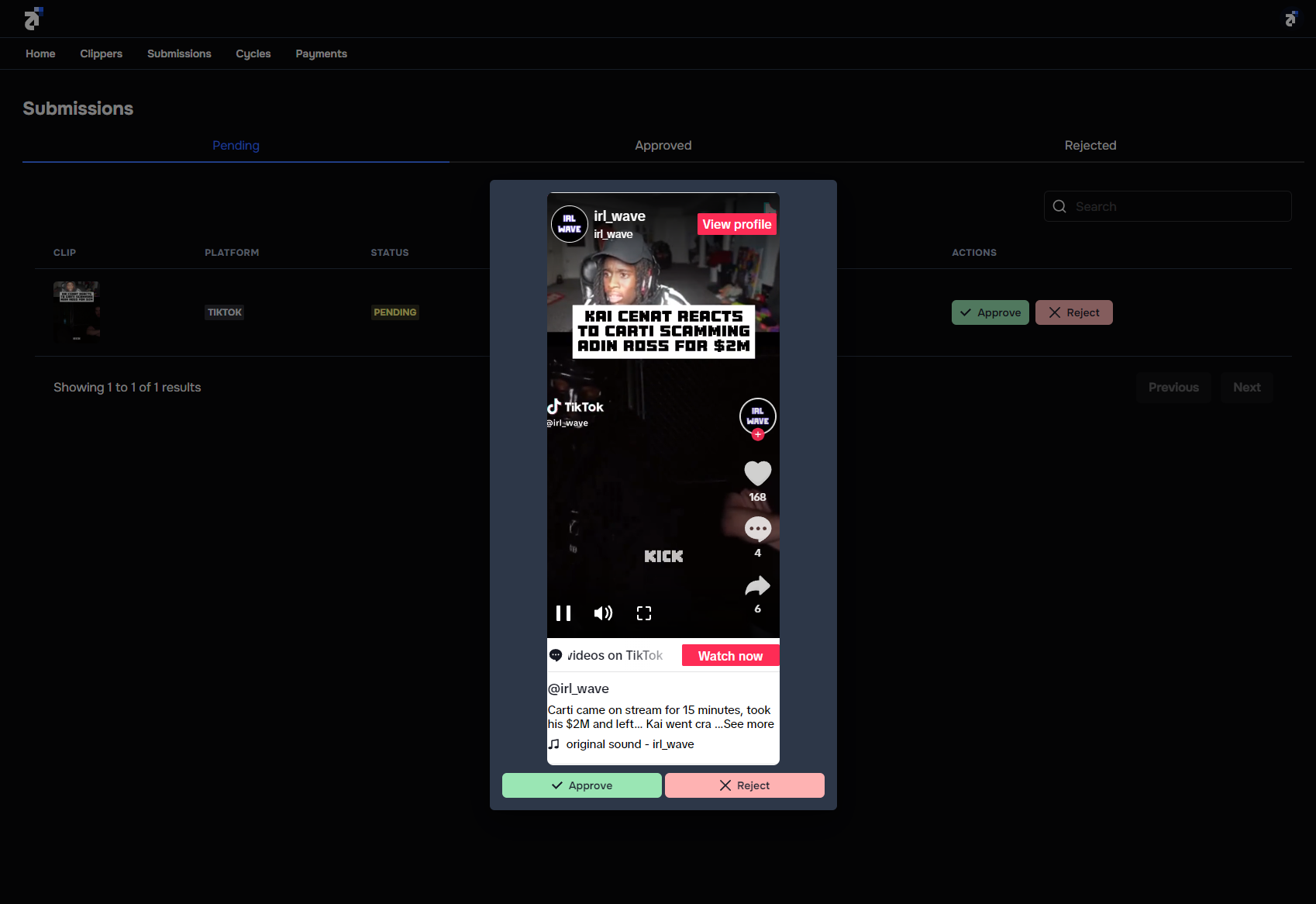
To review a submission, click on the submission thumbnail. A pop-up modal will appear and allow you to watch the submission.
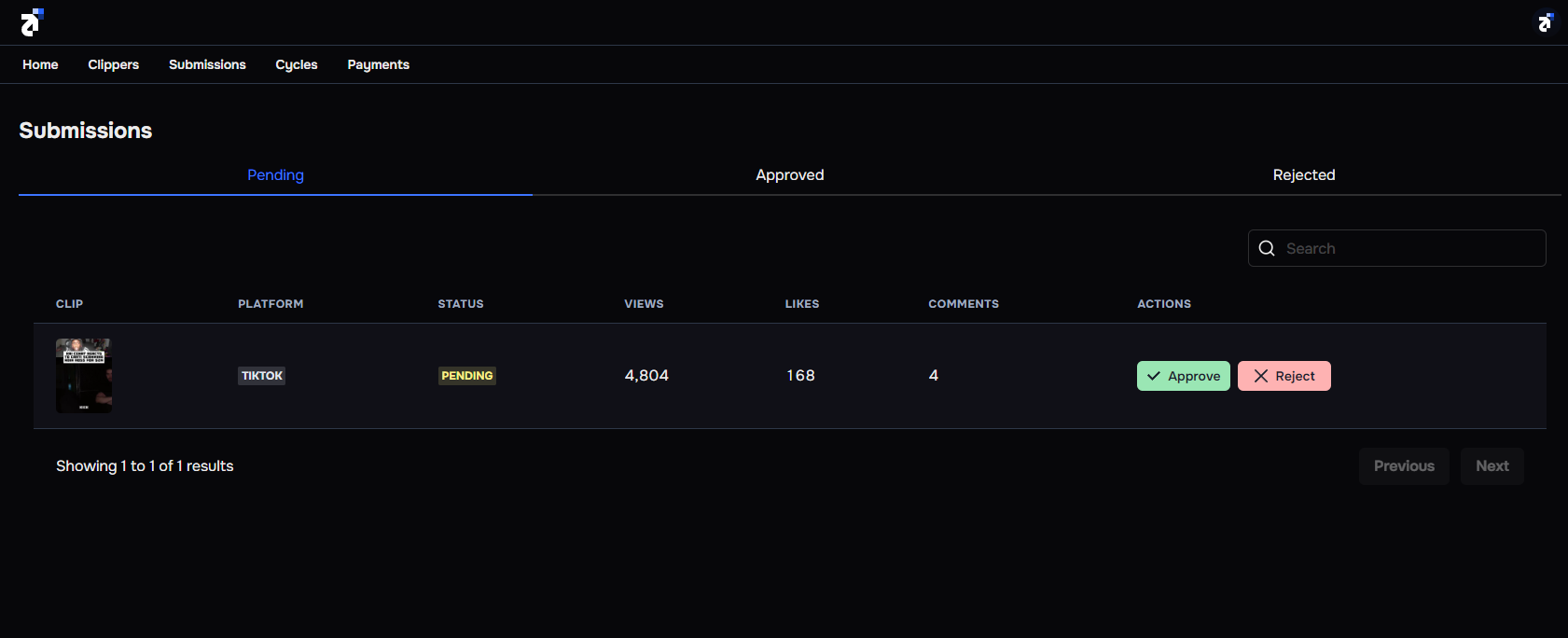 Click **"Approve"** to pay for a submission and click **"Reject"** to not pay for a submission.
 ## Understanding Each Status
It's important to understand how each submission status affects your cycle payment.
When a submission is posted, it will be in the pending status by default. When a cycle ends, you **WILL** be charged for pending submissions.
A submission moves into the approved status when you click "Approve". When a cycle ends, you **WILL** be charged for approved submissions.
A submission moves into the rejected status when you click "Reject". When a cycle ends, you will **NOT** be charged for rejected submissions.
Approvals protect you from bad actors, however, please do not reject clips that DO meet your criteria. We reserve the right to ban accounts that try to abuse the system.
## Understanding Each Status
It's important to understand how each submission status affects your cycle payment.
When a submission is posted, it will be in the pending status by default. When a cycle ends, you **WILL** be charged for pending submissions.
A submission moves into the approved status when you click "Approve". When a cycle ends, you **WILL** be charged for approved submissions.
A submission moves into the rejected status when you click "Reject". When a cycle ends, you will **NOT** be charged for rejected submissions.
Approvals protect you from bad actors, however, please do not reject clips that DO meet your criteria. We reserve the right to ban accounts that try to abuse the system.